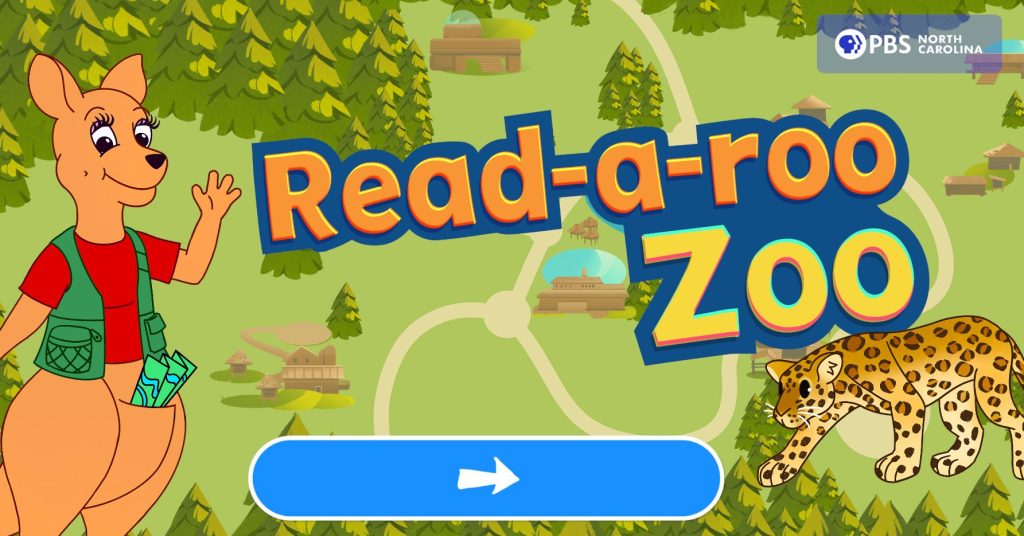
Game can be played here:
https://www.pbsnc.org/education/read-a-roo-zoo-literacy-game
Introduction
This game has the player visit various areas around a zoo-like environment to try sounding out various phoneme focused words as an early literacy practice.
Gameplay
Platforms: WebGL (on website) with Android and iOS devices
2D UI game where the player explores a zoo-like area by entering different biome focused scenes. Once the player enters a biome, they are instructed by Read-a-roo to select the objects whose names have a particular phoneme in them. Once the player correctly finds them all, they continue this for every set in the biome until all objects have been properly identified.
As the player correctly finds objects, if the player has allowed microphone permissions, the player can attempt to say the word and the game will listen to it and score it for accuracy.
My Work
Two separate teams:
Team 1: Producer, Game Designer, UIUX Designer/Engineer, Lead Engineer (myself), support Senior Engineer, 2D Artist A, 2D Artist B
Team 2: Team 1 Producer, new Game Designer, new UIUX Designer/Engineer, Lead Engineer (myself), Team 1 support Senior Engineer, new 2D Artist A, Team 1 2D Artist B
I was responsible for all the game system engineering, and we had a support Senior Engineer to help with integration of the 3rd party system, Keen, for the microphone listening and scoring setup to be integrated into the game.
I reworked an old audio system to use for our purposes in this game, with significant focus on reworking the VO system to help with timing these elements of the game.
I created a small internal progression system for each area to keep track of which words had been successfully triggered, and randomly select prompts to advance the player through all the objects in each area.
Found how to modify a Unity loading screen for WebGL games, and worked with UIUX to create a new unique loading screen.